 Support on Ko-Fi
How to make stamps?
You can just make them with a stamp maker, but if there's no border that you want or you wanna use a custom one, then this tutorial is for you. Oh, also, if you know how to use Photopea, then it's much easier to make a stamp there
- Get the border and your GIF. These ones will be used


If you need to turn a video into a gif use https://ezgif.com/video-to-gif
-
You need to know your stamp size. The easiest way to know it's to throw the border into the resize tool in Ezgif. Mine is width: 99px, height: 56px.
-
Don't run from the resize tool yet. Put your gif into the tool, and now set the same size as your border, but minus ten. For example, we have width: 99px, height: 56px border, so our gif will be width: 89px, height: 46px. Why are we doing this? It's if we set the same size as the border, our gif will go out of the border.
-
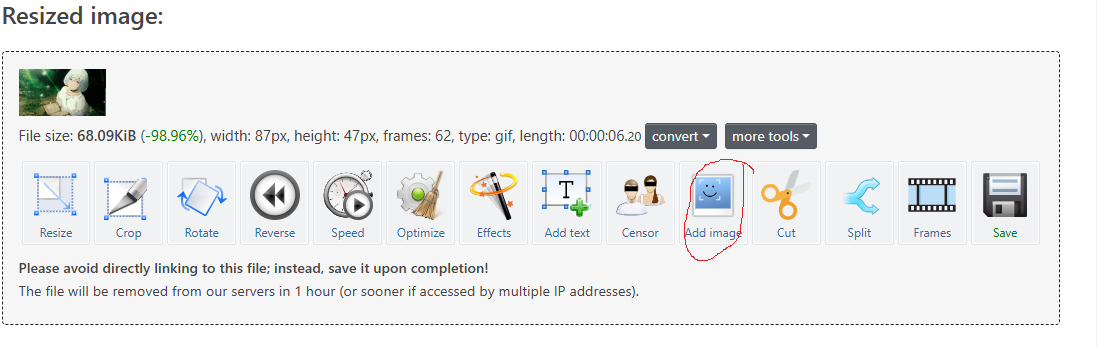
After you resized the gif click add image
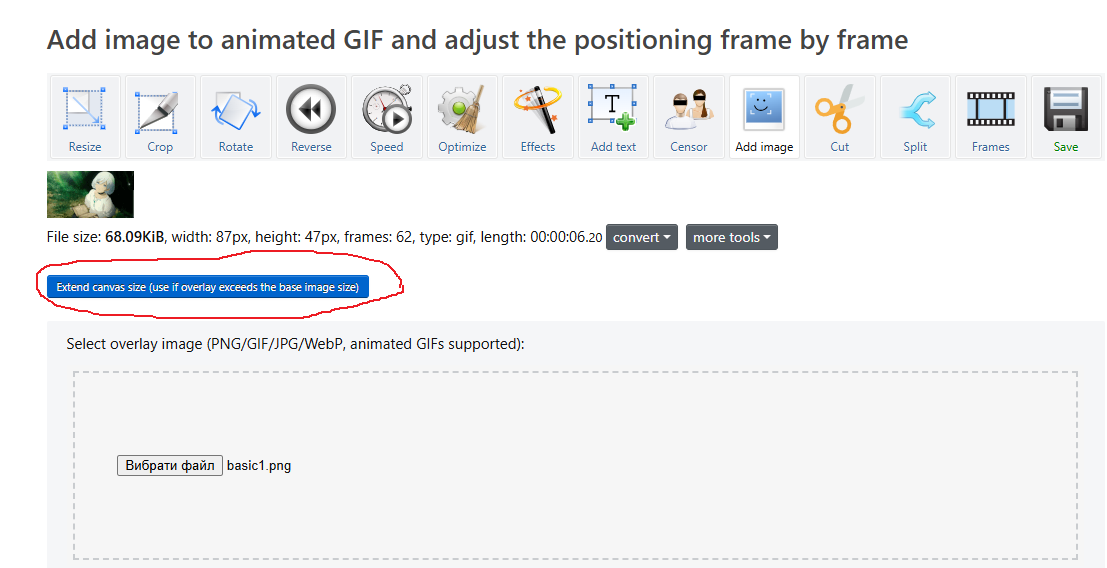
You need to extend the canvas because if we just put the border then it will shake because the gif is smaller than the border.
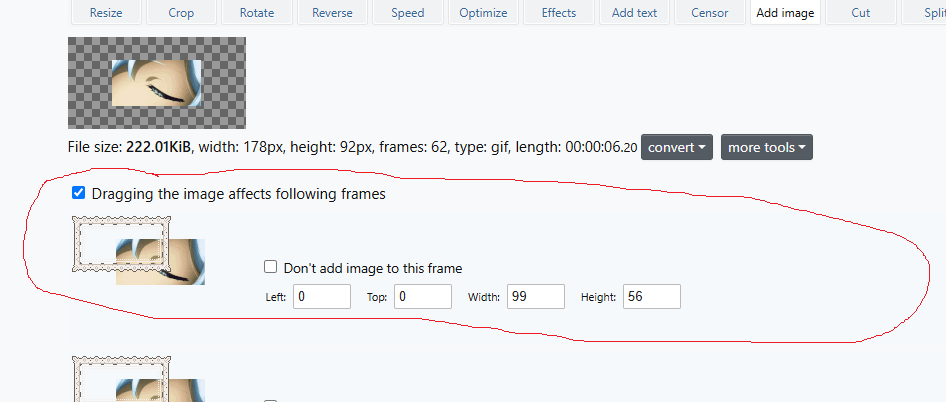
Move the border in the first frame so every frame would have the border in the same place
- Ok now go click corp. Enter the width and height of your stamp frame (in my situation it's width: 99px, height: 56px.) and move the corp window to your stamp.
Yay we are finally done. Here is my stamp
