Hover over the disc to get started!
Messing with a video game console always carries a risk for bricking the console, rendering it useless, if you don't know what you're doing. Please be very careful when modifying system files in any way, including installing/uninstalling .wad files, installing cIOS, or changing the Wii's region. Follow this guide exactly and you should be okay. If you believe you have bricked your console, look on the brick page for more information.
This guide applies to any commercial Wii console, including the Wii mini and the Wii U's Wii mode (vWii). However, in some instances, there may be different instructions for each console type. Make sure any modifications are for your specific one. Exploits that work on the original Wii may not work on the other two, and vice versa.
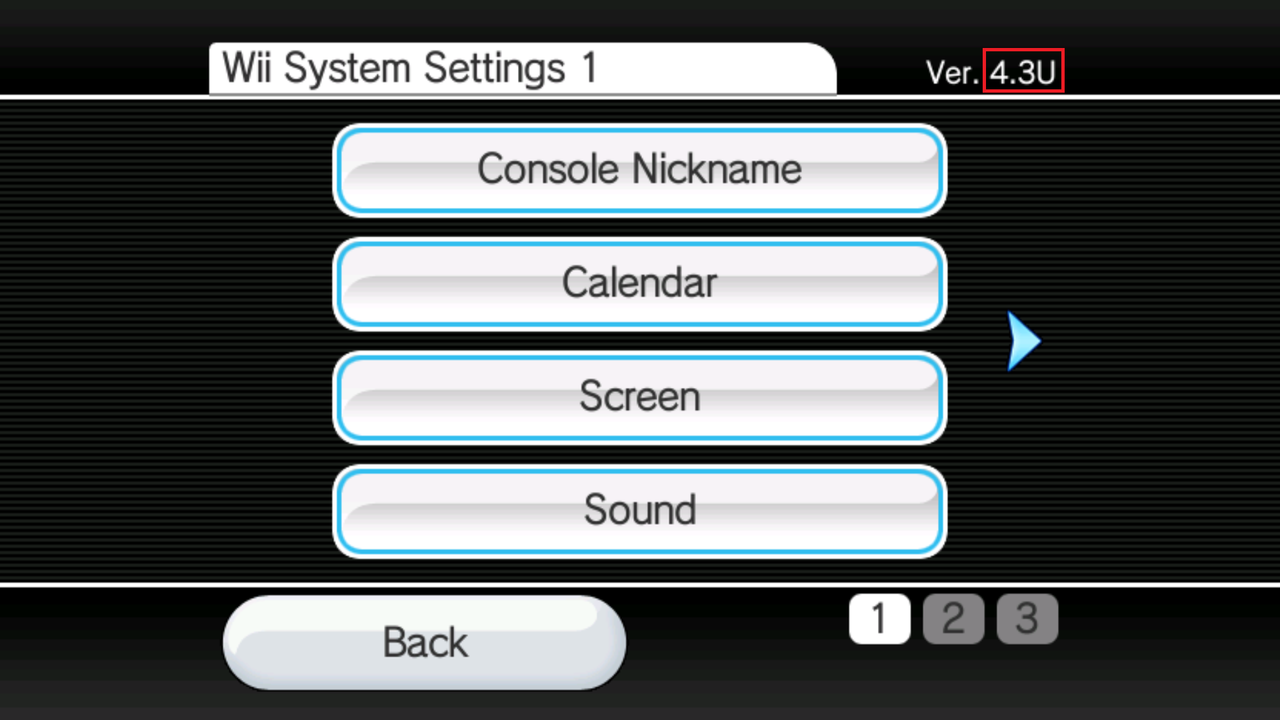
Some hacks require specific hardware. The Bluebomb exploit can only be run in Debian-based Linux (Windows/ChromeOS Linux developer environments cannot be used), and System Menu versions before 4.0 do not recognize SDHC cards (>2GB in size). Always ensure you have the correct devices for whatever you're doing!
I try to update this guide to the best of my ability if new information is discovered. If you find something is outdated, or you want me to add something to the site, you can DM me on Discord (@sulphuriccc). I have real-life obligations, but I'll honor your request as soon as I can.
 Next Page

Next Page
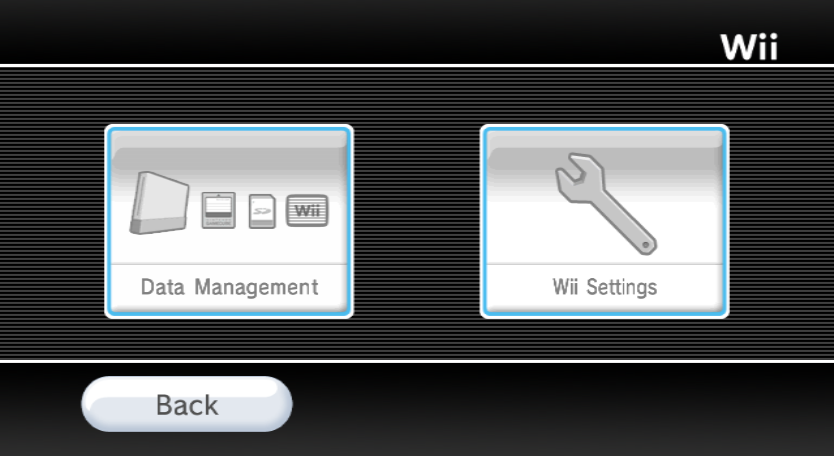
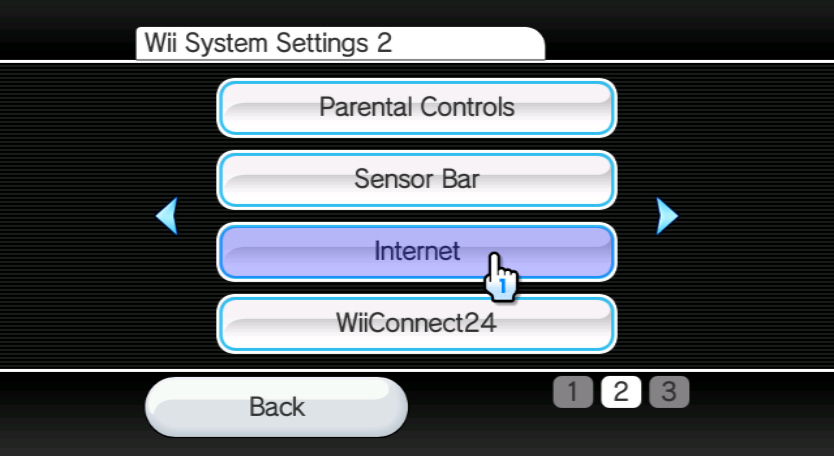
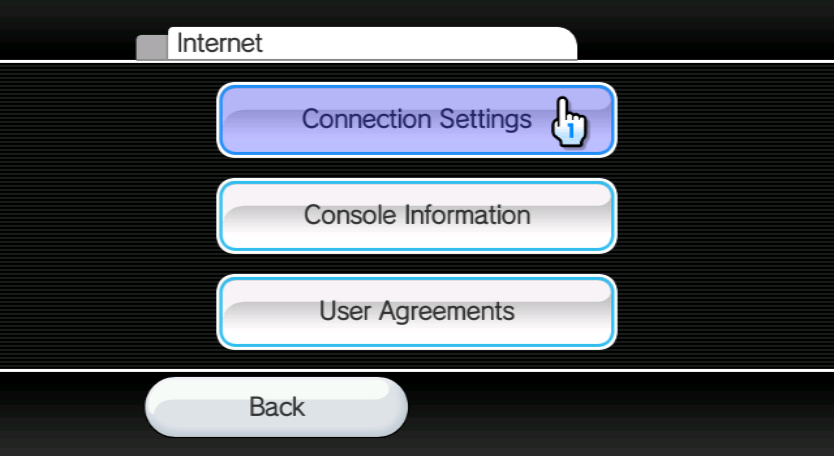
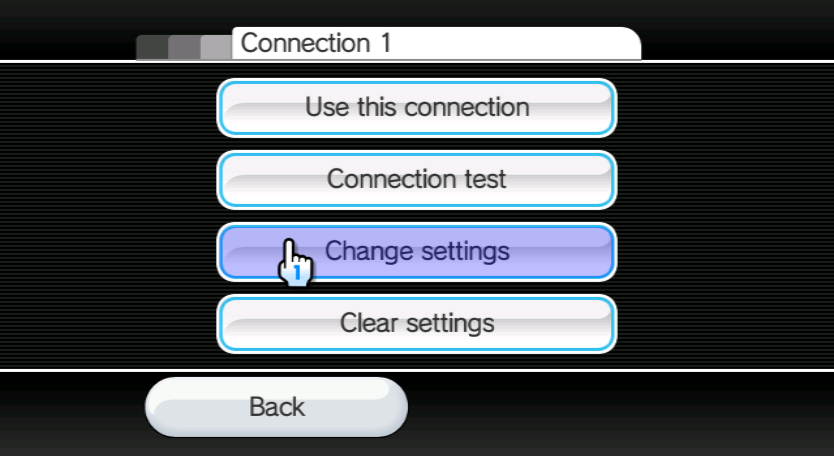
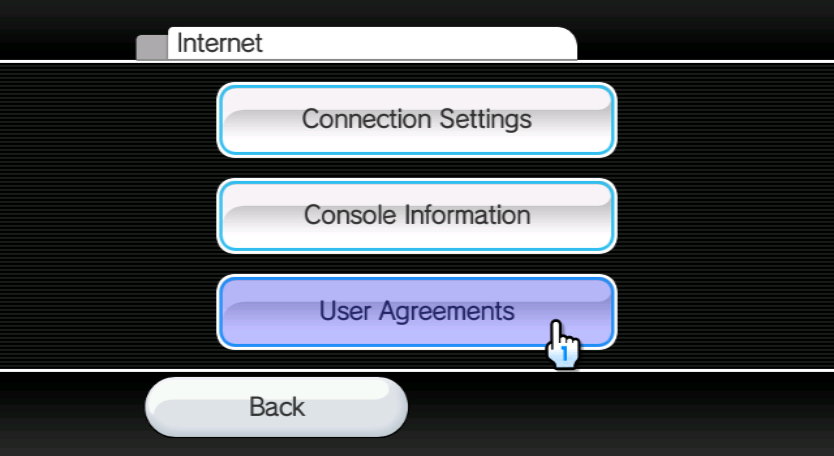
No > Advanced Settings. 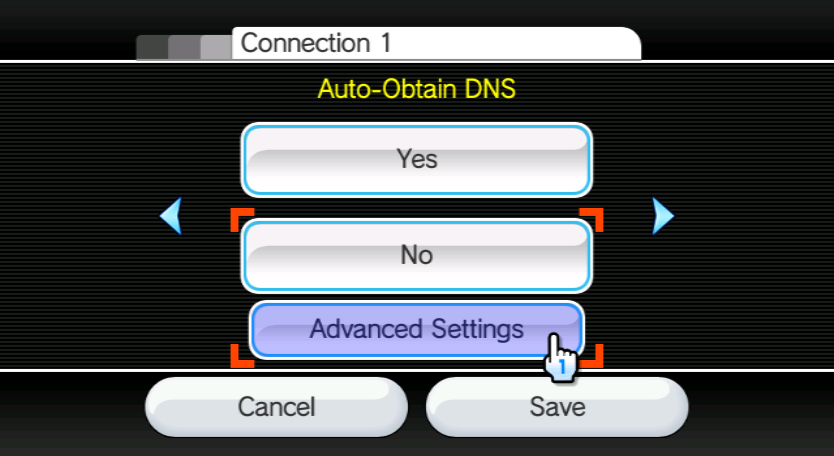
3.143.168.250 as your primary DNS. Click Confirm. 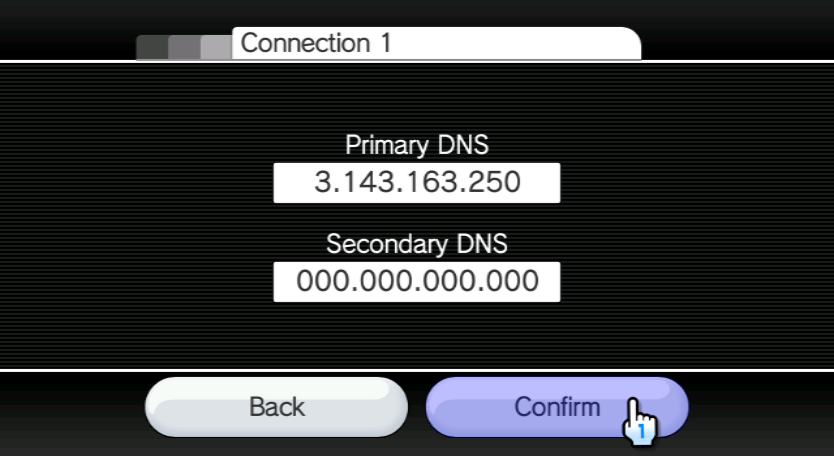
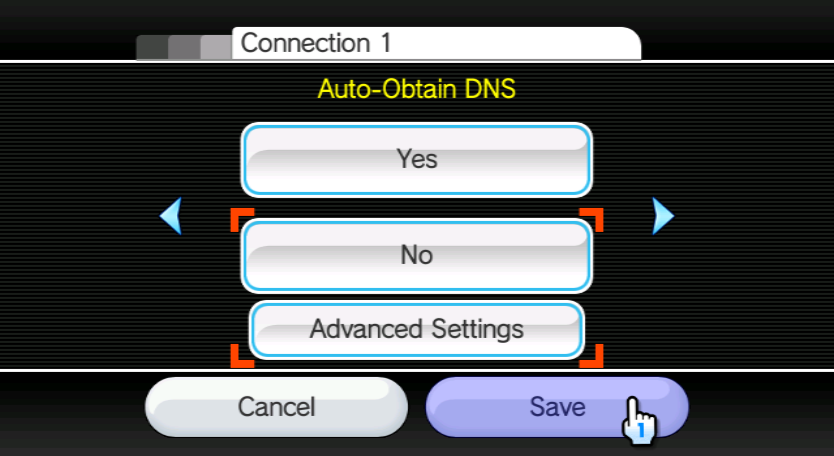


Next Page
boot.elf to the root of your SD card.
wget https :// wii . hacks . guide/assets/files/bluebomb-helper.sh chmod +x bluebomb-helper.sh ./bluebomb-helper.sh
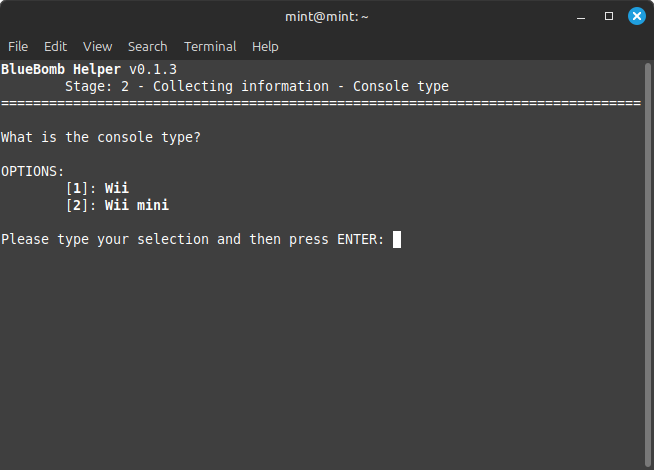
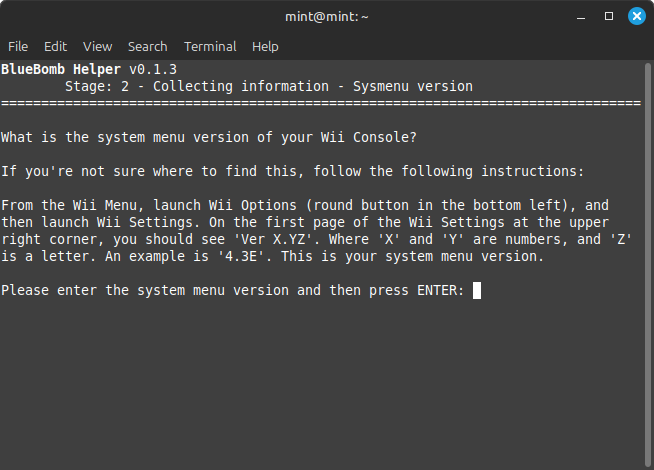
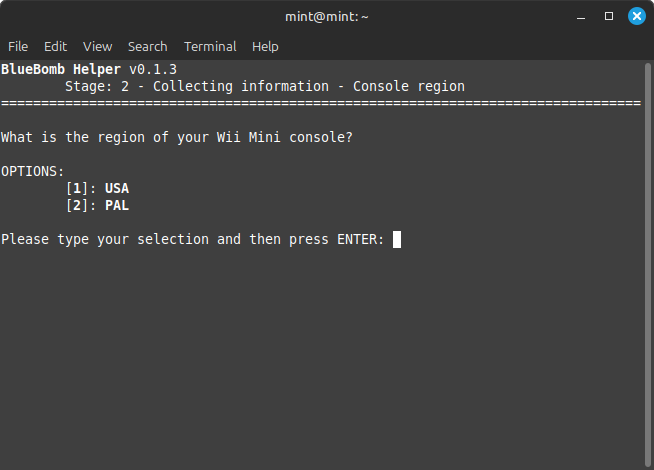
Wating to accept is displaying in your command prompt.
Got connection handle (number) displays in the command prompt. 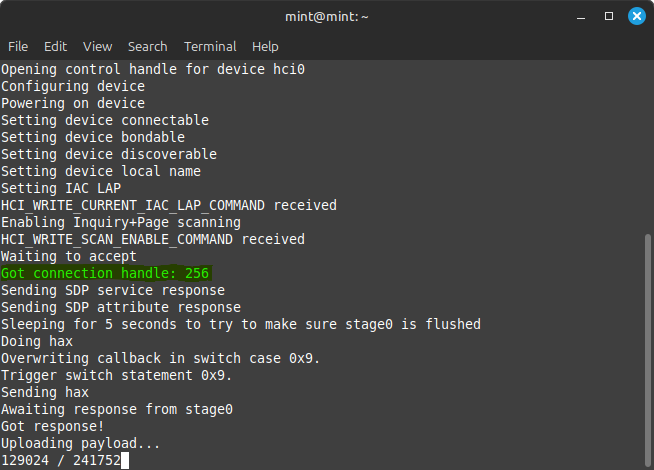
Next Page
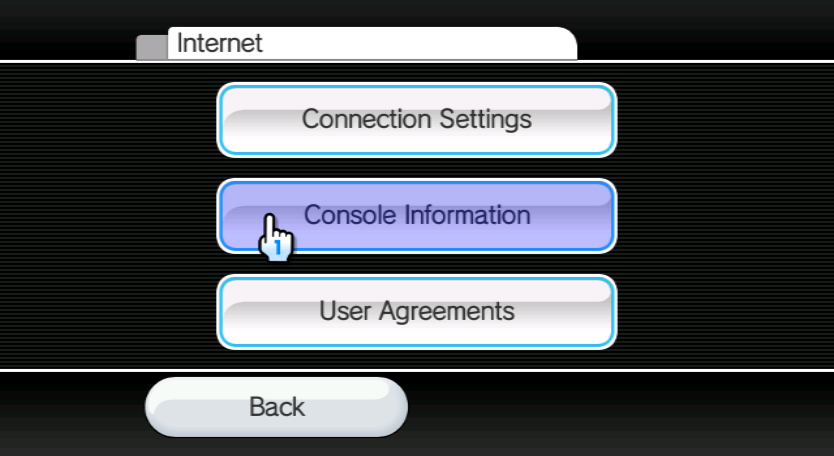
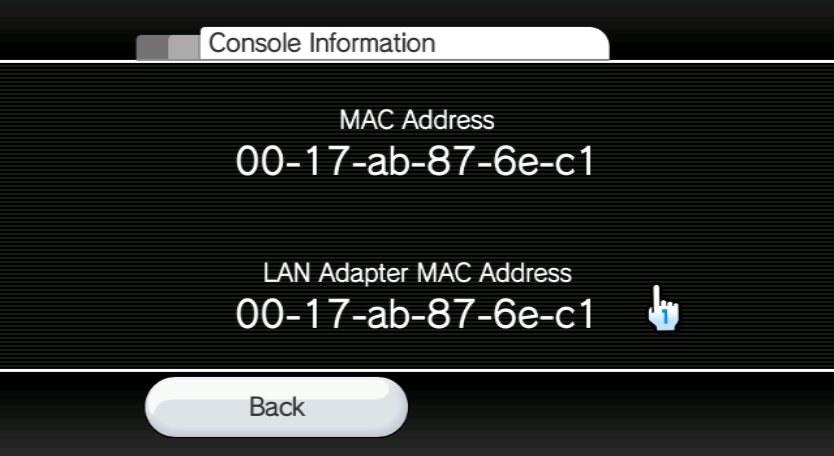
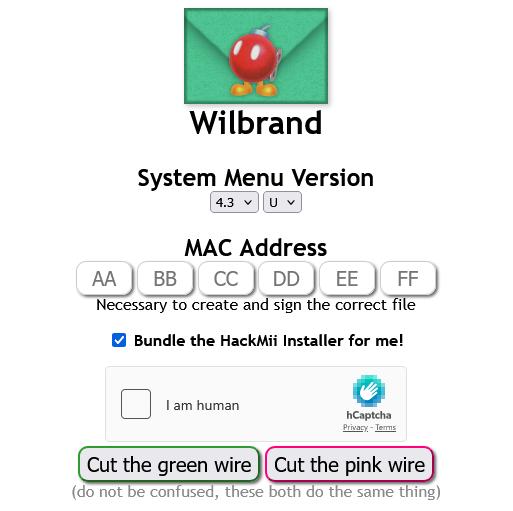
Bundle the HackMii installer for me! is checked.
private folder and boot.elf from the .zip file you downloaded to the root of the SD card. 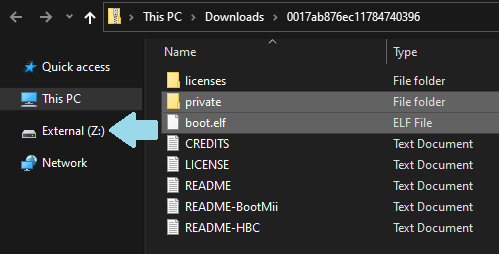
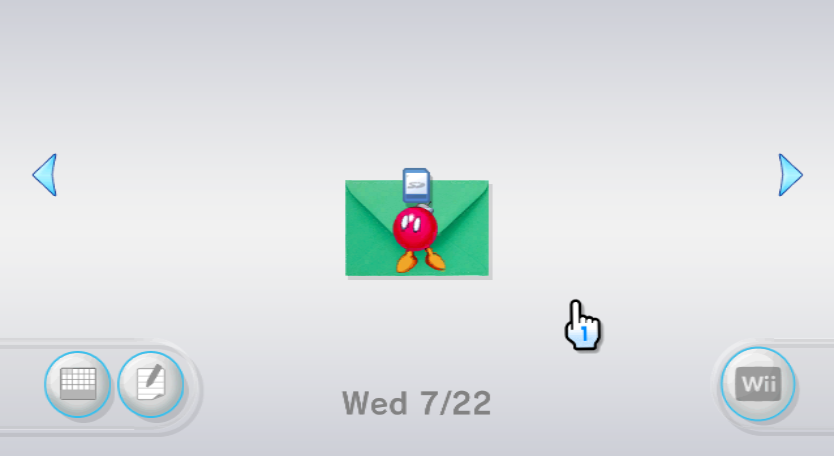
Next Page

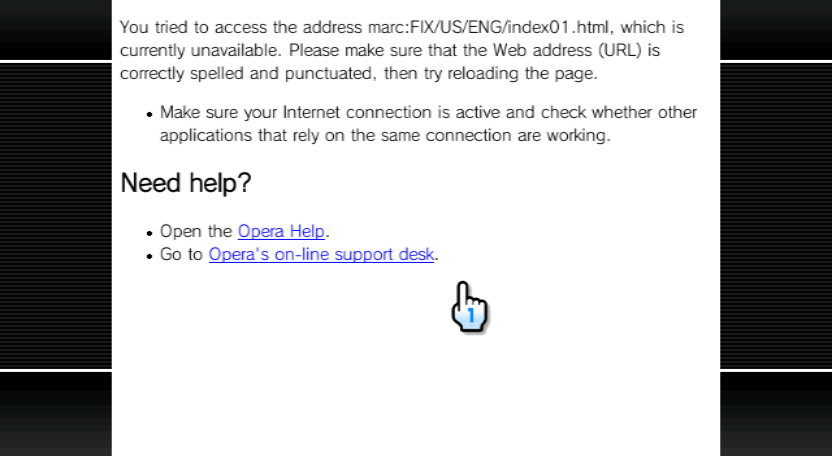
This brick happens when you apply a System Menu update not meant for your Wii's region. Since Nintendo decided to render the Wii Settings menu using HTML (weird choice but okay), this is the equivalent of a 404 error.
Fortunately, since this brick only affects the Wii Settings menu, it's easy to fix. You can restart your console and boot into the Homebrew Channel, then use NUS Downloader to get a System Menu corresponding to your Wii's region.
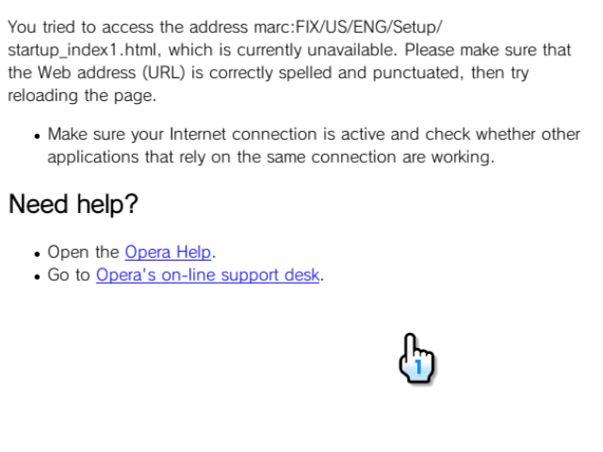
This brick is the more severe version of a semi-brick. Not only did you apply a System Menu update not meant for your Wii's region, but the /shared2/sys/SYSCONF file is corrupted/missing.
If you have Priiloader or BootMii as boot2 installed, you can access the Homebrew Channel and reinstall the system menu corresponding to your Wii's region, using NUS Downloader. If you don't have either, you can try Recovery Mode or Bluebomb.
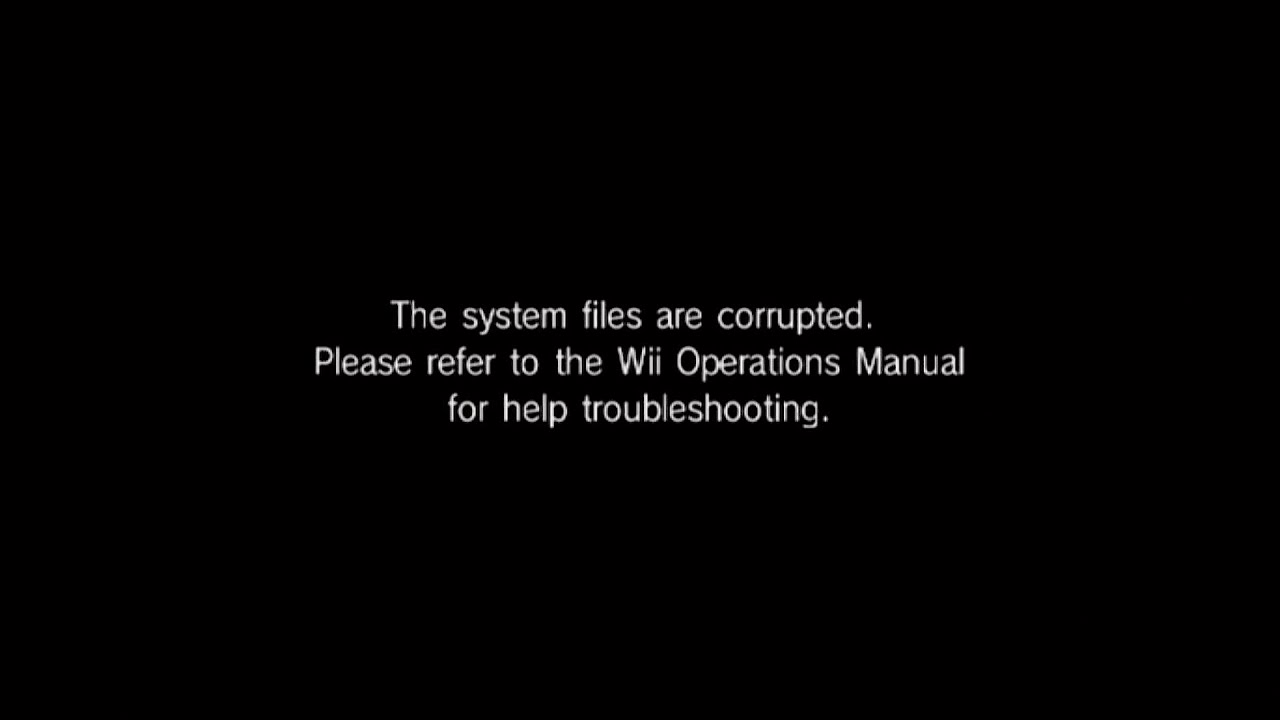
This brick occurs when you install a channel with a malformed banner. It can trigger on boot, or when clicking on the channel in the Wii Menu.
If it triggers when clicking on the broken channel, you can restart your console, enter the Homebrew Channel, and delete the broken WAD file using YAWMME. If it triggers on boot, enter Priiloader by holding the Reset button while turning on the Wii, then enter the Homebrew Channel. If Priiloader is not available, you can try Recovery Mode or Bluebomb.
This brick occurs when you install a theme not meant for your Wii System Menu version or region. You see nothing but a black screen after passing the health & safety warning screen, but the console is still responsive to controller inputs.
If you have Priiloader or BootMii as boot2, you can enter the Homebrew Channel and use csm-installer to revert back to your original Wii theme. If neither Priiloader nor BootMii are available, you can try Recovery Mode or Bluebomb.
This brick happens when the Wii Message Board has too much mail to handle, and appears as a black screen. Since the Message Board is at the bottom of the Wii Menu, it loads first, and crashes the console before anything else can load.
To fix this, hold down the + and - buttons on the Wiimote at the health & safety warning screen. This will open up Maintenance Mode, which disables the Message Board. From there, you can enter the Homebrew Channel and use the application cdbackup to delete the malformed mail.
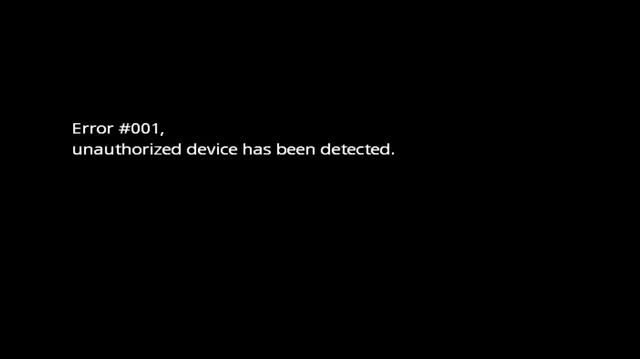
Error 001 was part of IOS30, the IOS for System Menu 3.0. It gets triggered when you attempt to load a game off of a DVD-R instead of a Wii Optical Disc, and it could also happen when running a pirated game without cIOS. To fix it, eject the disc from your Wii, install cIOS, then try to run the backup directly from your SD card using Wiiflow.
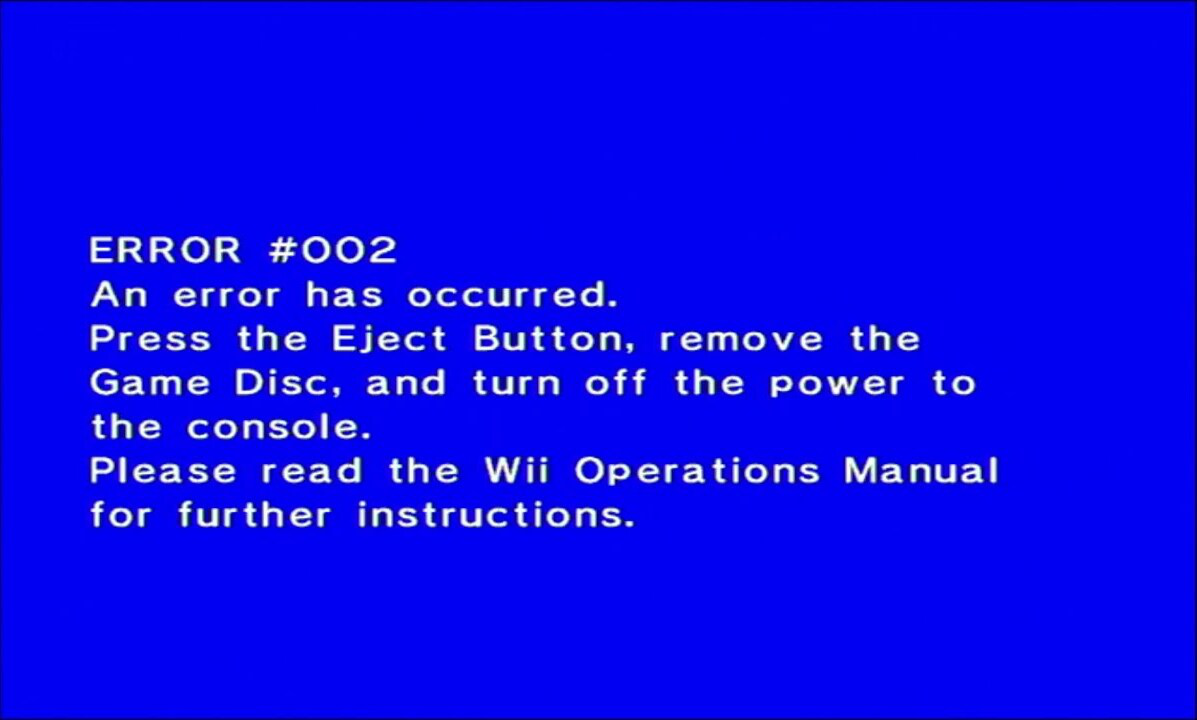
Error 002 was part of IOS55. It gets triggered when a game detects being forced to run on an IOS different than specified in the code. To get around it, eject the disc from your Wii, and use a tool called Generic Wii Patcher to fix 002-causing code in your backup.
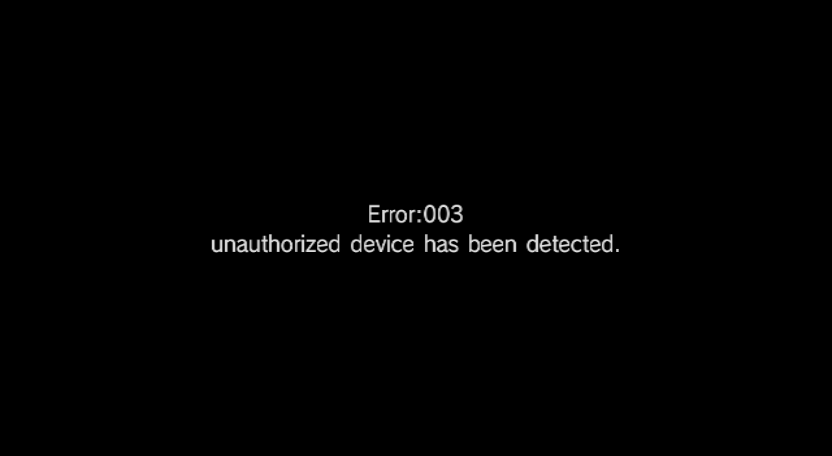
When Nintendo was releasing the Wii in Korea (and updating all other region's Wiis to System Menu 4.2), they put a special byte pattern in IOS70 called the Korean Key. If the key is present on a non-Korean Wii, or if a Korean Wii does not have the key, Error 003 is triggered. This was explicitly a last-ditch attempt by Nintendo to prevent homebrew.
The 003 brick is trickier than the others to fix. Because it came after Nintendo fixed the Trucha bug in boot1, neither BootMii as boot2 nor Priiloader are available. You must use Recovery Mode to access the Homebrew Channel. Once inside, either install IOS60 v6174 into the IOS70 and 80 slots, or use the KoreanKii tool to remove the key.
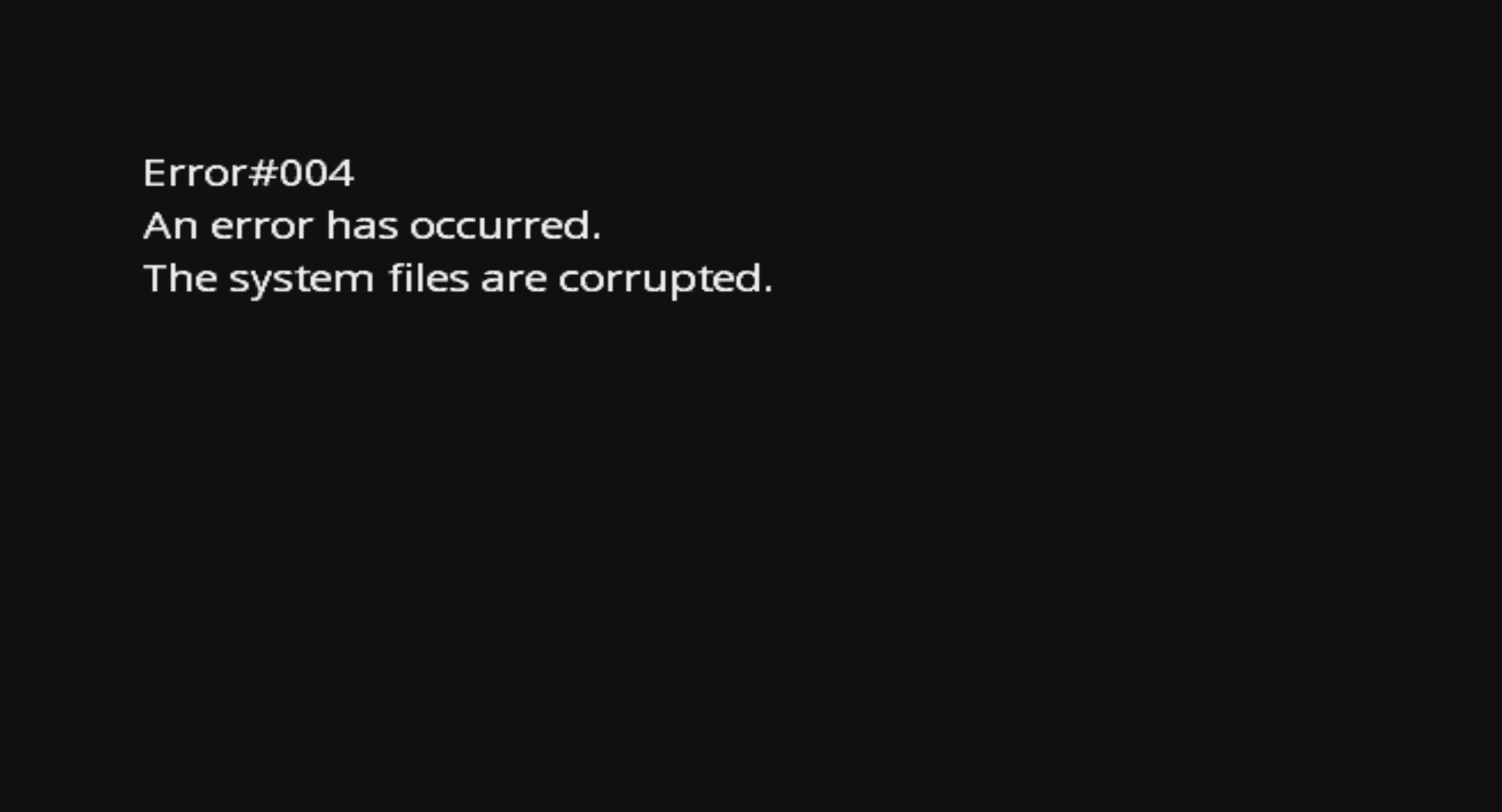
This error happens when Bannerbomb v1 is run on System Menu 4.2 or 4.3. IOS70 not only introduced the Korean Key, but also patched the banner glitch in the Data Management menu. If you're on 4.2, you can allow Bannerbomb v2 compatability using Priiloader. If you're on 4.3, Bannerbomb does not work at all and you need to find another method to boot into the HackMii installer.
IOS bricks are triggered when the IOS your Wii System Menu is on is reduced to a stub (placeholder). The Wii is still functional (it turns on at the bare minimum) so it is not a low-level brick, despite appearing as such. Typically this happens after attempting to downgrade your System Menu, which really isn't all that worth it.
To fix this, you must have BootMii as boot2 installed. Either restore a NAND backup, or boot into the Homewbrew Channel and reinstall your original Wii Menu with NUS Downloader and YAWMME. If BootMii as boot2 is not available, use Recovery Mode.